
Notification mirroring
View calls, messages, 2FA codes, and app alerts on your Mac without having to check your phone.
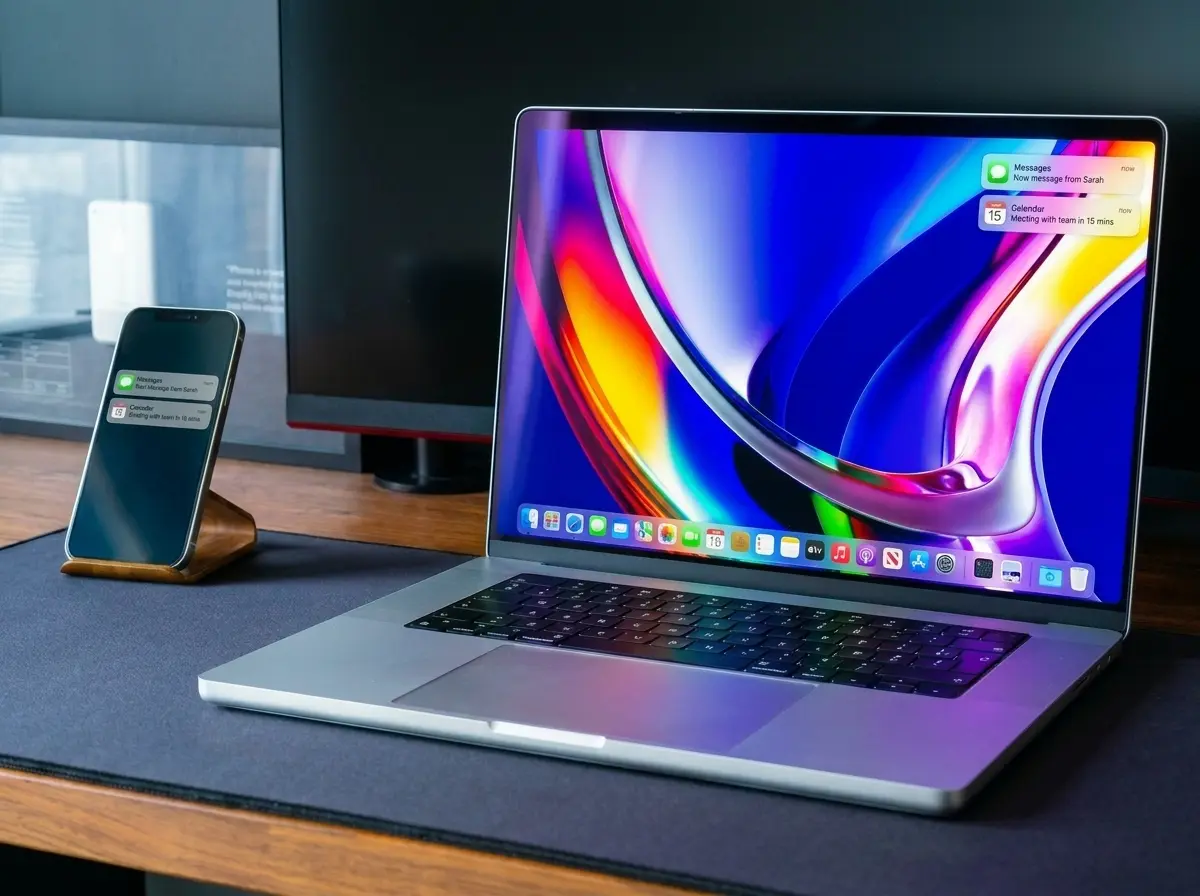
View calls, messages, 2FA codes, and app alerts on your Mac without having to check your phone.
Use your Android phone as a Mac webcam over local Wi-Fi, with the stream staying on your network instead of going through a cloud relay.
Move copied text and links between devices with one intentional tap from the Android share sheet or from Bridge recent items.
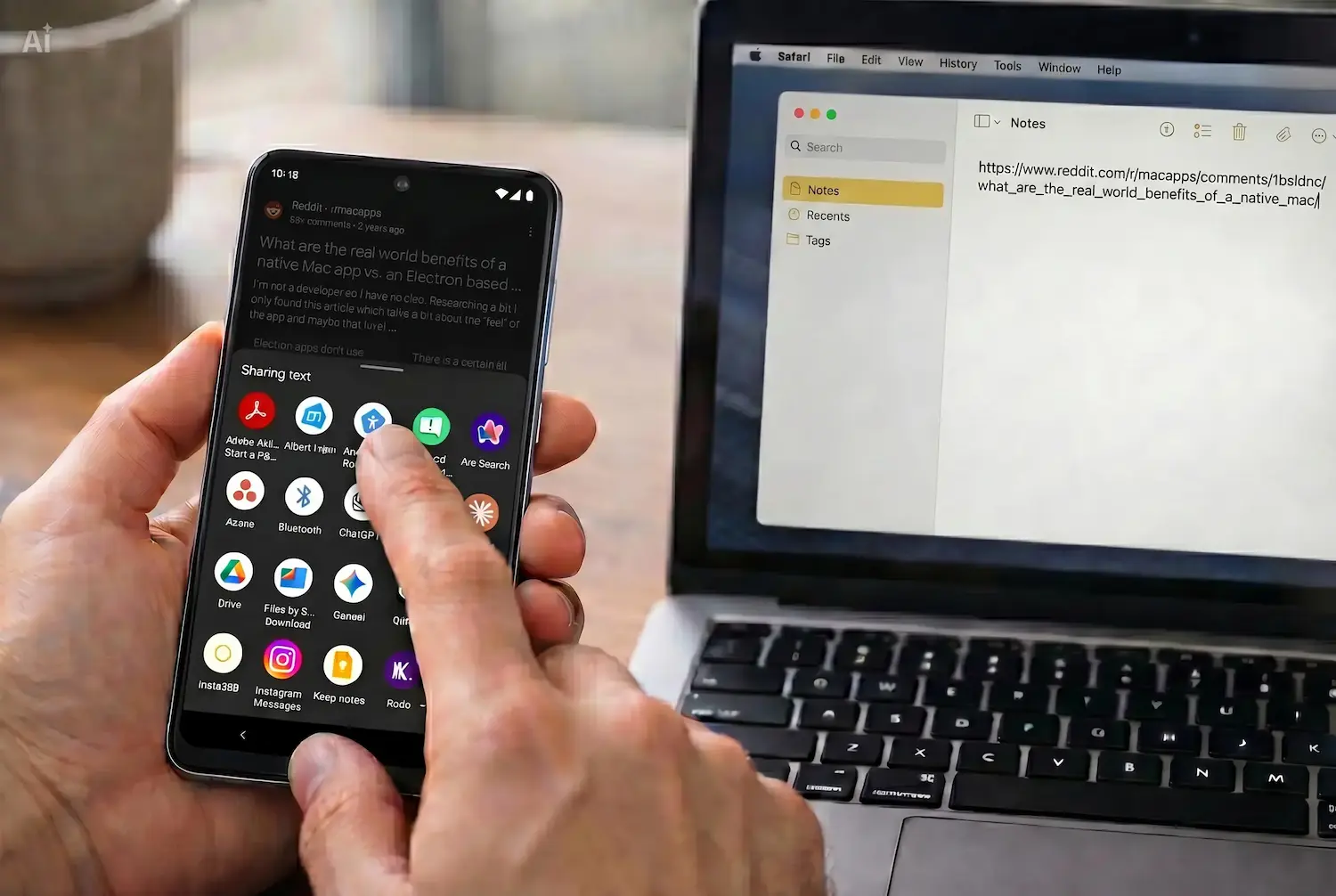
Send files locally from Android to Mac or from Mac to Android without the usual detour through email, Drive, chat apps, or cables.
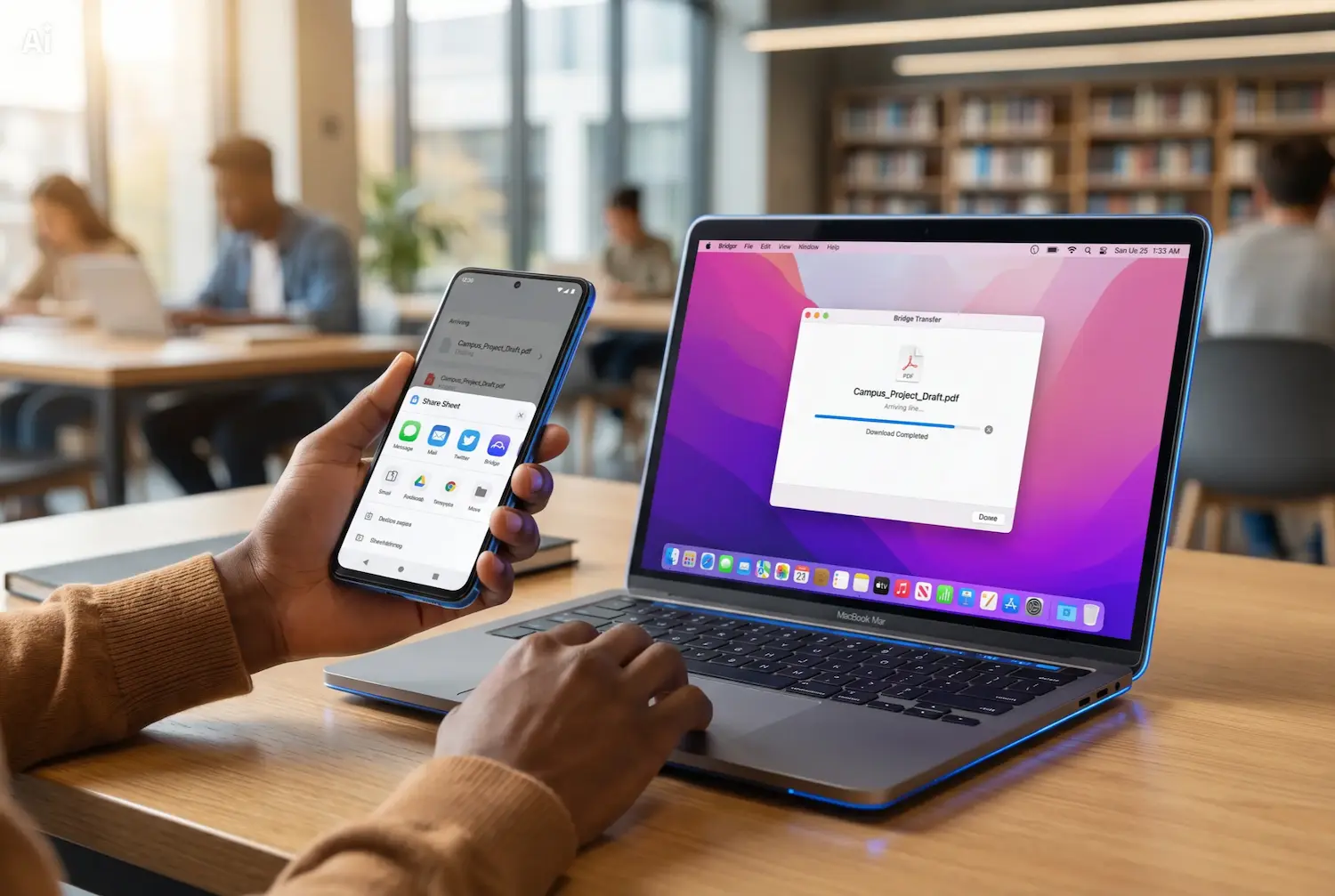
Bridge transfers data over your local network. Your webcam stream, clipboard, files, and notifications stay private between your Android phone and your Mac.
Join the closed beta to try Bridge early and lock in 50% off when it launches.
Download and install Bridge on your Android phone and your Mac.
Ensure both devices are connected to the same Wi-Fi network.
Open Bridge on both devices and pair them together in seconds.
Use your phone as a Mac webcam, transfer files, manage notifications, and move copied text.
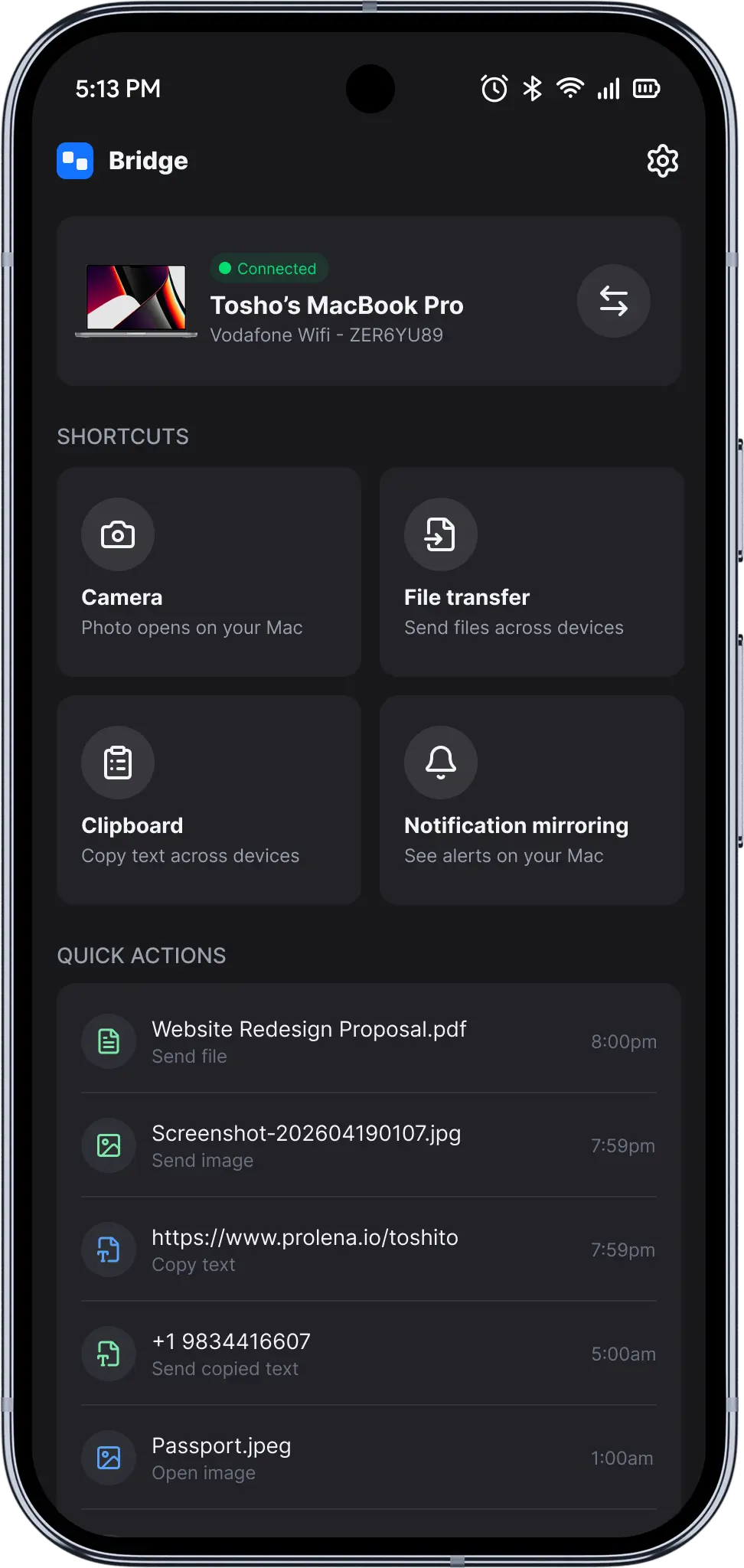
No. Bridge works entirely over your local Wi-Fi network. As long as both devices are on the same network, everything works—no internet required.
Bridge is free during the closed beta. We’ll share pricing before launch, and beta users will receive a permanent discount.
Your data stays on your devices. Bridge never accesses your files, clipboard, or notifications. We only collect minimal, anonymous usage data to improve the product.
Bridge supports Android 10+ and macOS 12 (Monterey) or later, with broad compatibility from day one.
No. Bridge works without accounts, logins, or cloud storage. Your devices connect directly over your local network.
Bridge is LAN-only to keep your data private and secure, so your Android phone and Mac need to be on the same local network for seamless two-way communication.
Only the permissions required for the features you use. For example, Bridge Webcam needs camera access on Android and virtual camera access on macOS, notification mirroring needs Android notification access, and file transfer may require file access.
Bridge is built for Android and Mac continuity: Bridge Webcam, notification mirroring, one-tap clipboard sync, and fast local transfer in one product.
Sign up for early access and we’ll send your beta invite.