
Camera → Mac import
Take a photo on Android and have it waiting on your Mac instead of uploading or sending it to yourself.
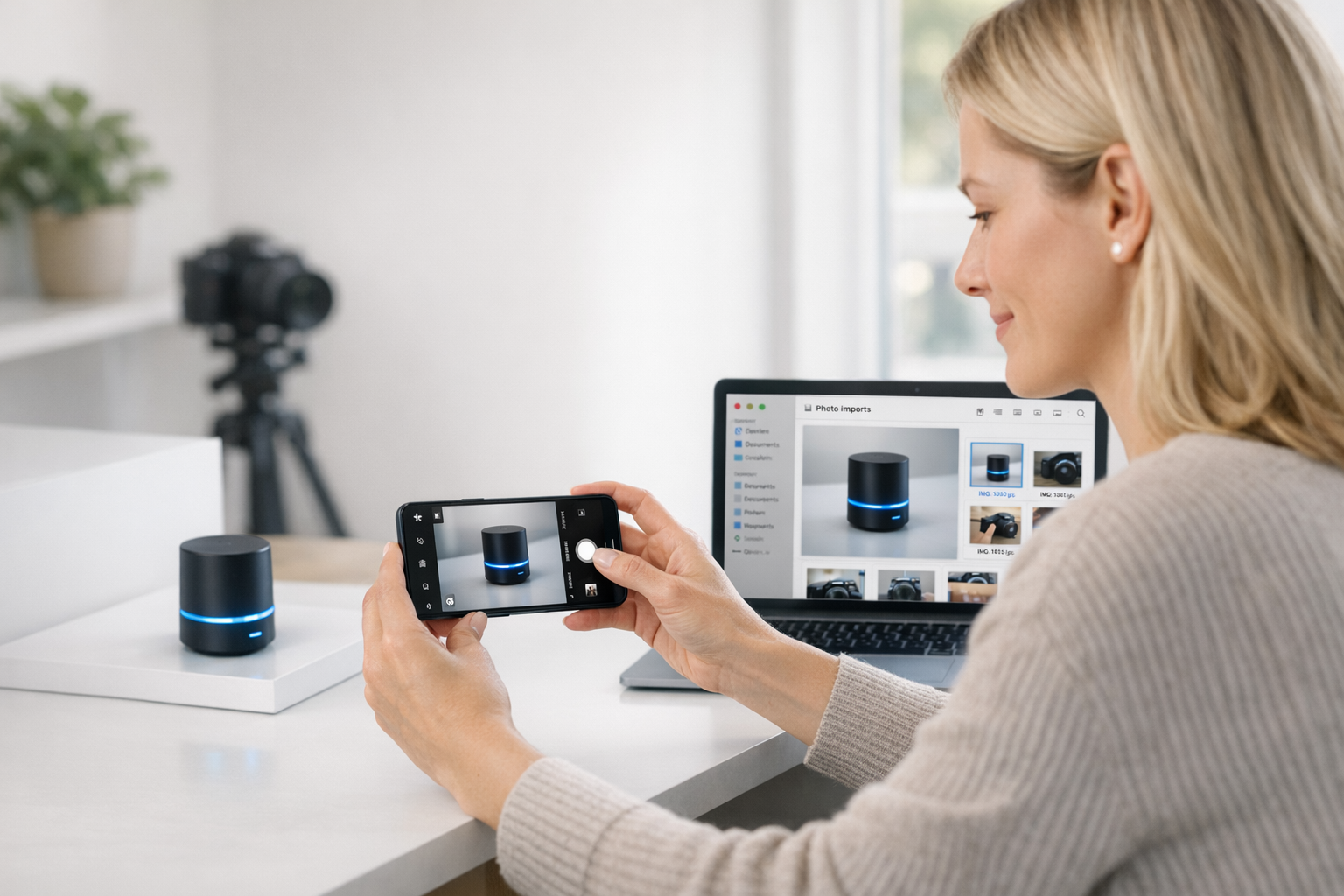
Take a photo on Android and have it waiting on your Mac instead of uploading or sending it to yourself.
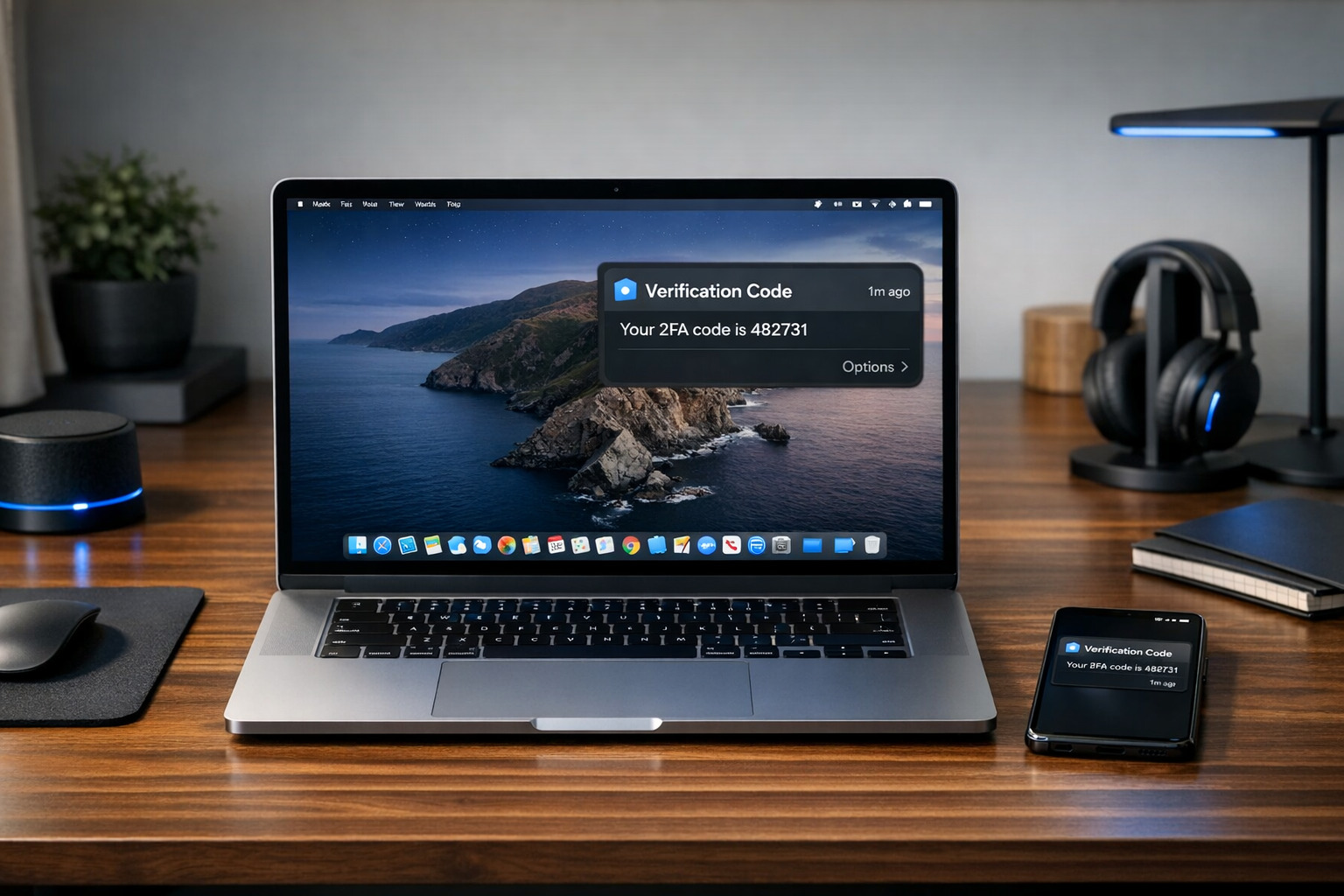
See calls, messages, 2FA codes, and app alerts on your Mac so focused work doesn’t keep getting interrupted by phone checks.
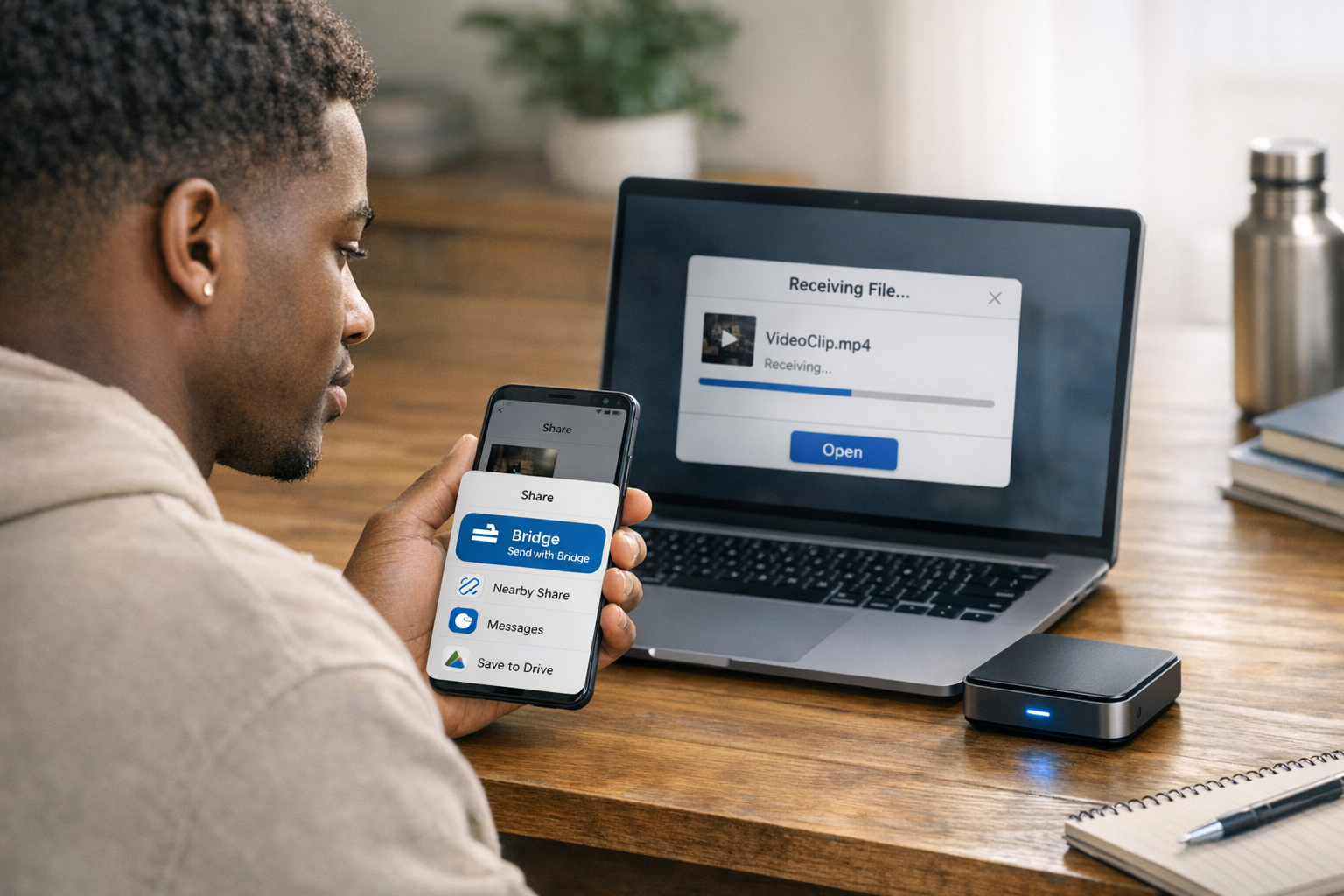
Move files locally between devices without the usual detour through email, Drive, chat apps, or cables.
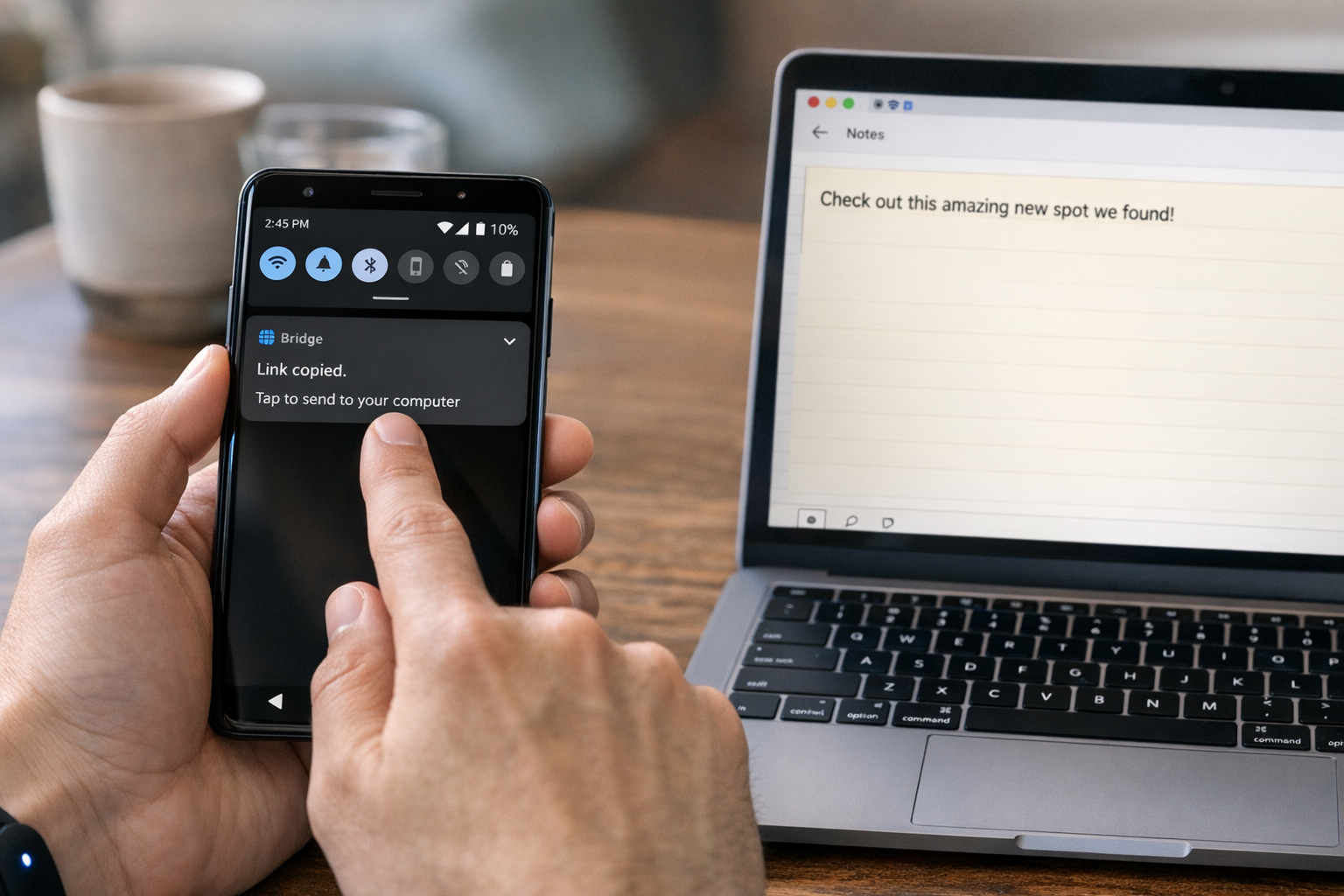
Move links, notes, and snippets to your Mac with a single tap instead of retyping them or opening another app.
Bridge doesn’t use the cloud to move your data. Transfers stay on your local network, so your photos, copied text, and notifications never detour through third-party servers.
Join the closed beta to try Bridge first and lock in the launch discount.
Install Bridge on your Android phone and Mac.
Connect them to the same wifi network and pair them.
Start syncing photos, files, copied text, and alerts instantly.
No. Bridge works entirely over your local Wi-Fi network. Your devices just need to be on the same network — no internet required for transfers.
Bridge will be free during the closed beta. We'll announce pricing details before the public launch, and beta testers will get a permanent discount.
Bridge is purpose-built for the Android + Mac gap. It focuses on seamless clipboard sync, instant camera imports, notification mirroring, and local file transfers — all without routing data through the cloud.
None of your transferred content ever leaves your local network. We collect minimal analytics (app opens, feature usage) to improve the product — never your files, clipboard, or notifications.
Bridge supports Android 10+ and macOS 12 (Monterey) or later. We're targeting broad compatibility from day one.
Sign up for early access and we’ll send your beta invite when Bridge is ready.